
The Hidden Safety Cost of Glancing at Phones on the Move
Micro-distractions from phones add up for cyclists, runners, and field teams. Learn safer audio-first workflows and what to measure in motion.
Micro-distractions: the seconds that quietly add up

A “quick look” at a map, a message preview, or a music skip feels harmless—until you’re moving. For cyclists, runners, and field crews, those tiny moments of mobile-distraction steal what matters most: continuous scanning, balance, and threat detection. In human-factors terms, the issue isn’t only eyes-off-road; it’s attention switching. Each glance forces the brain to disengage from the environment, interpret the screen, then re-orient—often while speed, terrain, and traffic keep changing.
The hidden cost shows up as reduced situational-awareness: you miss the car door about to open, the uneven curb, the forklift backing up, or the shift in wind and rain. Over time, micro-distractions become a workflow pattern—check, confirm, adjust, repeat—turning navigation and communication into a constant interruption loop. For outdoor-safety, the goal isn’t perfection; it’s reducing the frequency and severity of these attention breaks in the moments when they’re most expensive.
Common distraction patterns—and why audio-first guidance lowers cognitive load
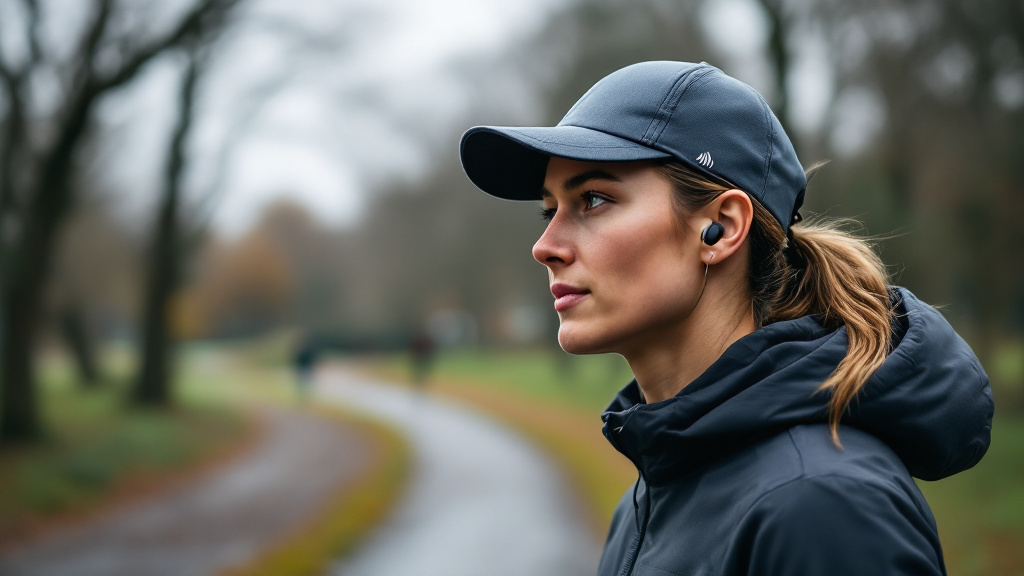
Most in-motion phone checks follow predictable patterns: confirming the next turn, correcting a route after a missed cue, replying “quickly” to a message, or adjusting audio playback. Each action seems minor, but it triggers a cascade of taps, swipes, and rereads—exactly the kind of repetitive mobile-distraction that compounds under stress. The challenge is amplified outdoors and in field work because hands are busy (bars, tools, gloves), conditions change (noise, weather), and visual attention must prioritize hazards.
This is where audio-interfaces can improve situational-awareness when designed well. Audio-first guidance shifts interaction from “look → decide → act” to “hear → confirm → continue,” preserving forward gaze and reducing manual input. Short, timely voice prompts (turn cues, weather/UV alerts, safety reminders) also align with human-factors best practices: minimize mode errors, keep feedback unambiguous, and limit the user’s need to remember what’s next. The result is not zero distraction, but fewer high-cost interruptions—and more confidence for outdoor-safety in real-world motion.
How to evaluate “safer in motion” workflows (and what to measure)

If you’re choosing tools for commuting or field operations, evaluate safety like you would any performance requirement: with measurable behaviors. Start with interaction frequency: how often does a user need to touch or look at a device per mile or per task? Track “eyes-off-environment” moments, retries (missed turns, repeated commands), and recovery steps after an interruption. These metrics translate human-factors concepts into observable outcomes and highlight where mobile-distraction is baked into the workflow.
Next, test for context reliability: does the system deliver the right prompt at the right time—turns early enough, weather alerts when conditions shift, and summaries that reduce the need to check a screen? Well-executed audio-interfaces should reduce screen dependence while maintaining accuracy. Solutions like BrimVoice Wearables’ hat-based push-to-talk and brim audio aim to make guidance brief, glance-free, and mode-driven (commute/run/work), supporting situational-awareness and outdoor-safety. The practical takeaway: prioritize workflows that cut visual checks, minimize manual steps, and keep feedback clear when the environment is the primary interface.